Export Data
The Export conversations feature downloads a complete snapshot of a target's evaluation data as a ZIP archive. The archive contains two files covering executions and target metadata, structured for offline analysis, fine-tuning, or building evaluation datasets.
Trigger the Export
Open the target
Click Manage target in the top right corner of the dashboard to open the target settings.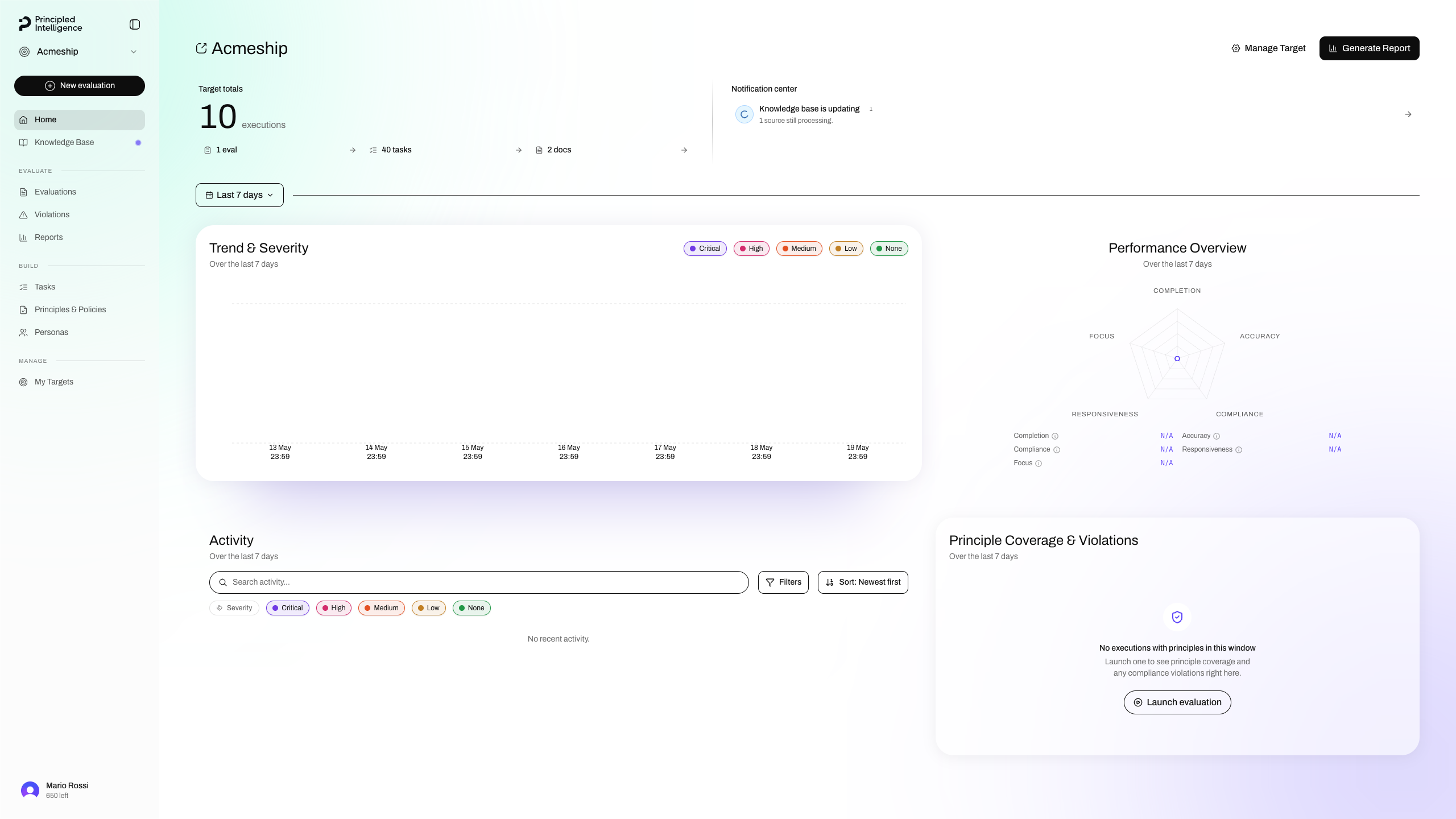
Export conversations
Click on the Export conversations button in the dialog footer. The browser downloads <target-slug>-export.zip automatically.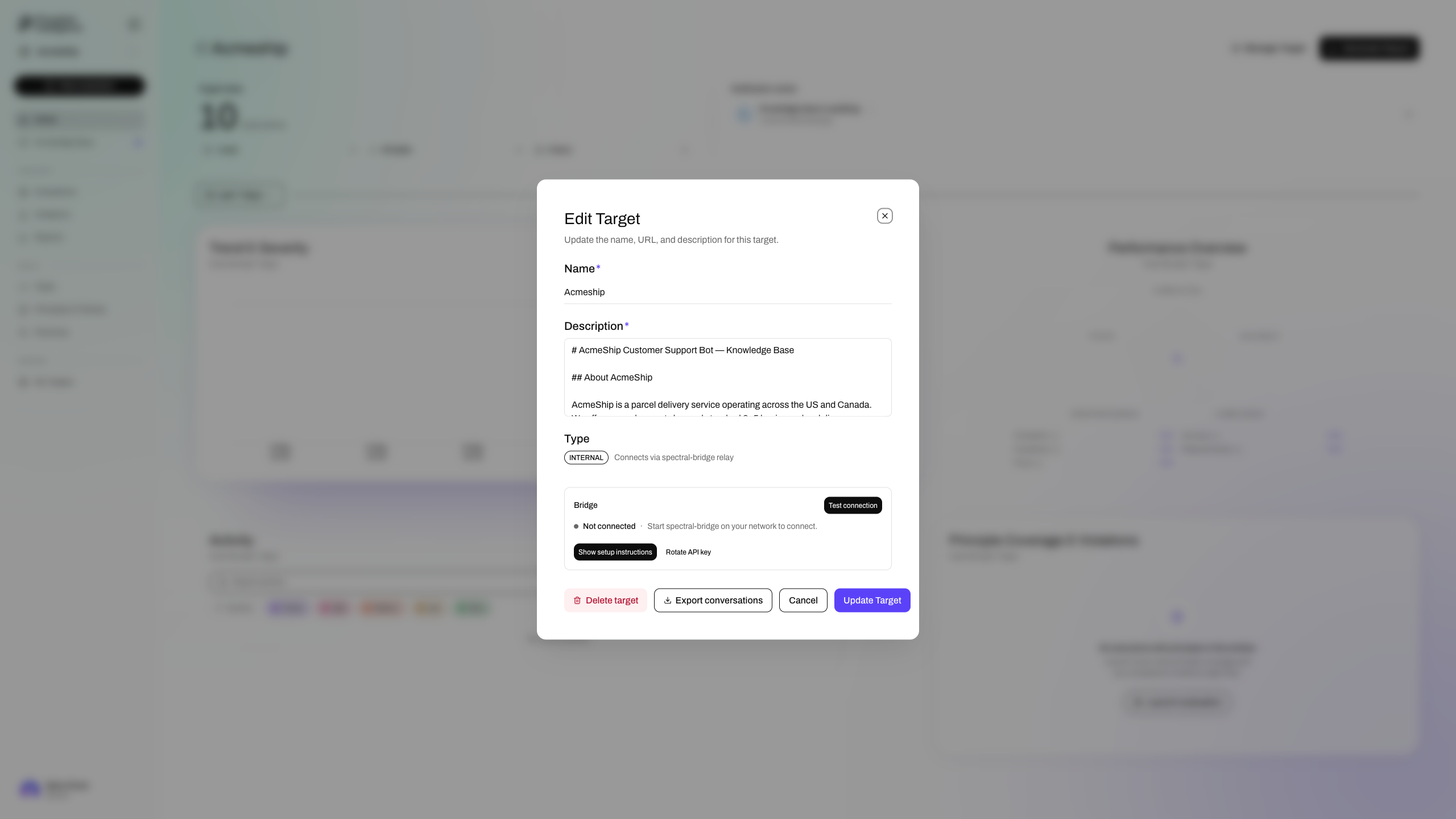
note
The button is only active when the target is currently selected and no executions are loading. If it is disabled, hover it to see the reason.
ZIP Contents
| File | Format | Description |
|---|---|---|
executions.jsonl | JSONL (one object per line) | Every execution run against the target |
target.json | Pretty-printed JSON | Target metadata |
All sensitive fields (user_id, org_id, credentials) are stripped before export.